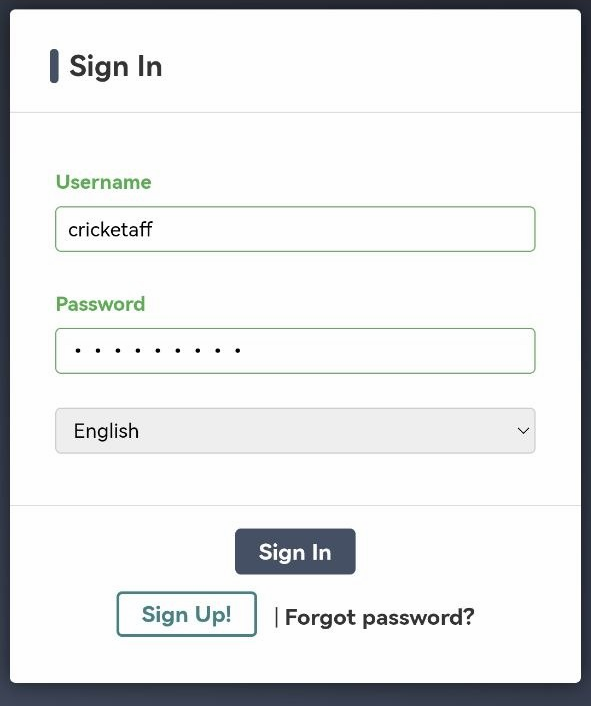
1. Log in to your Affiliate Account.
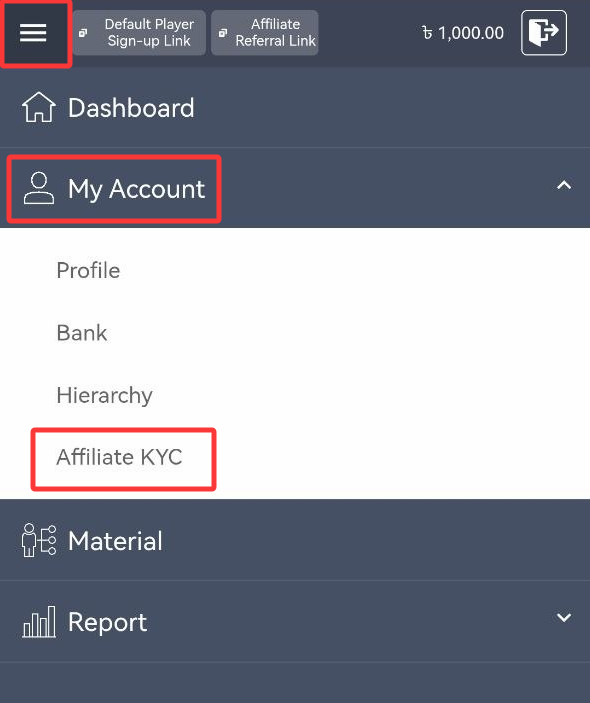
2. From the menu, select My Account, then click Affiliate KYC.
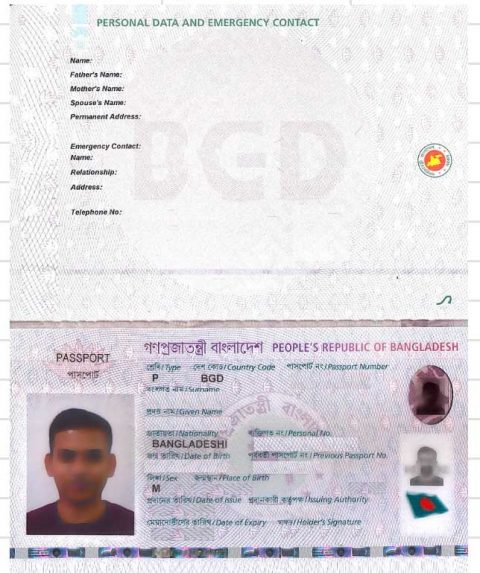
3. Choose the identification document to upload (passport, driver’s license, or national ID). Only supported documents are accepted.
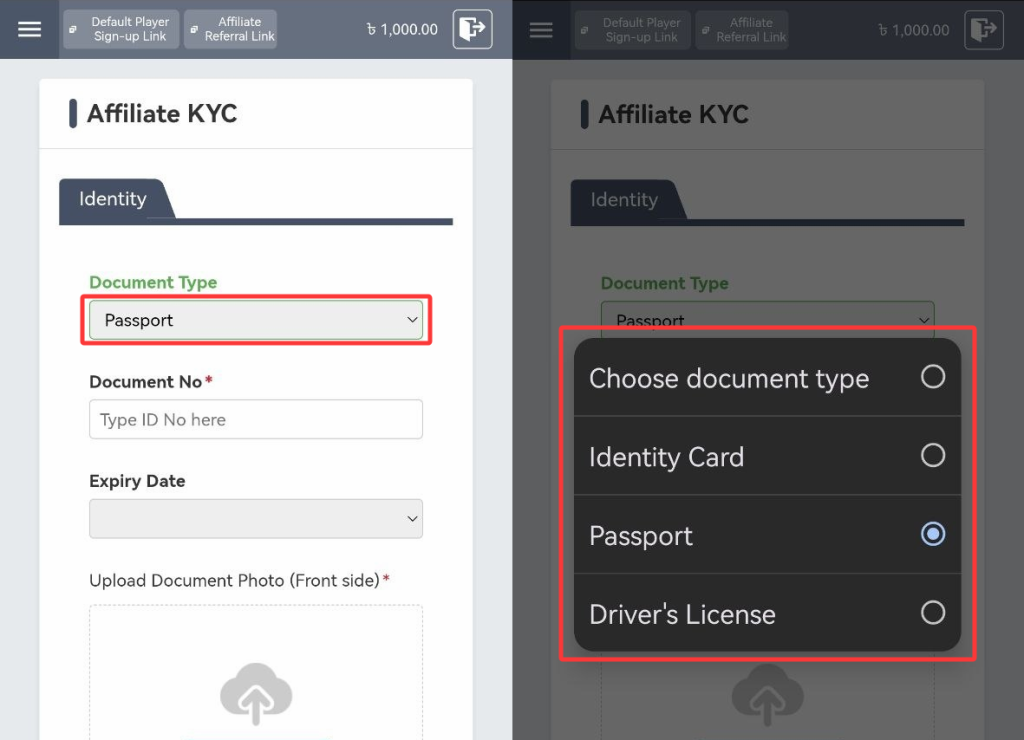
4. Enter the Document Number or ID Number.
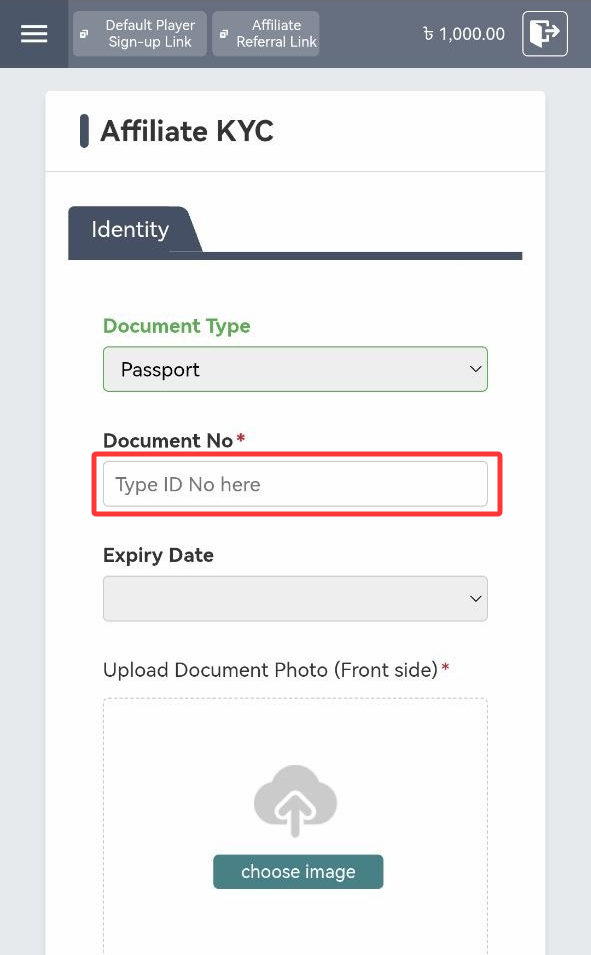
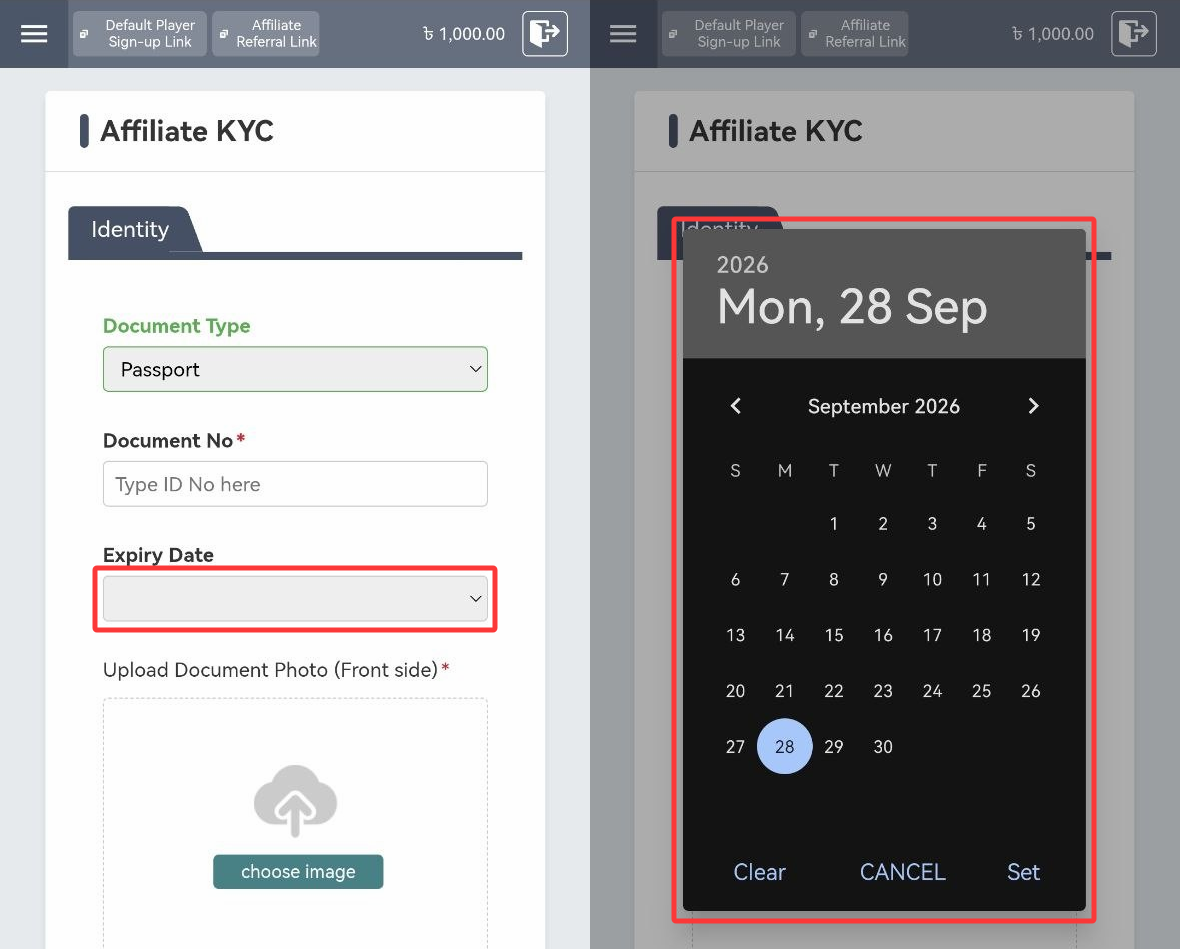
5. Provide the Expiry Date.
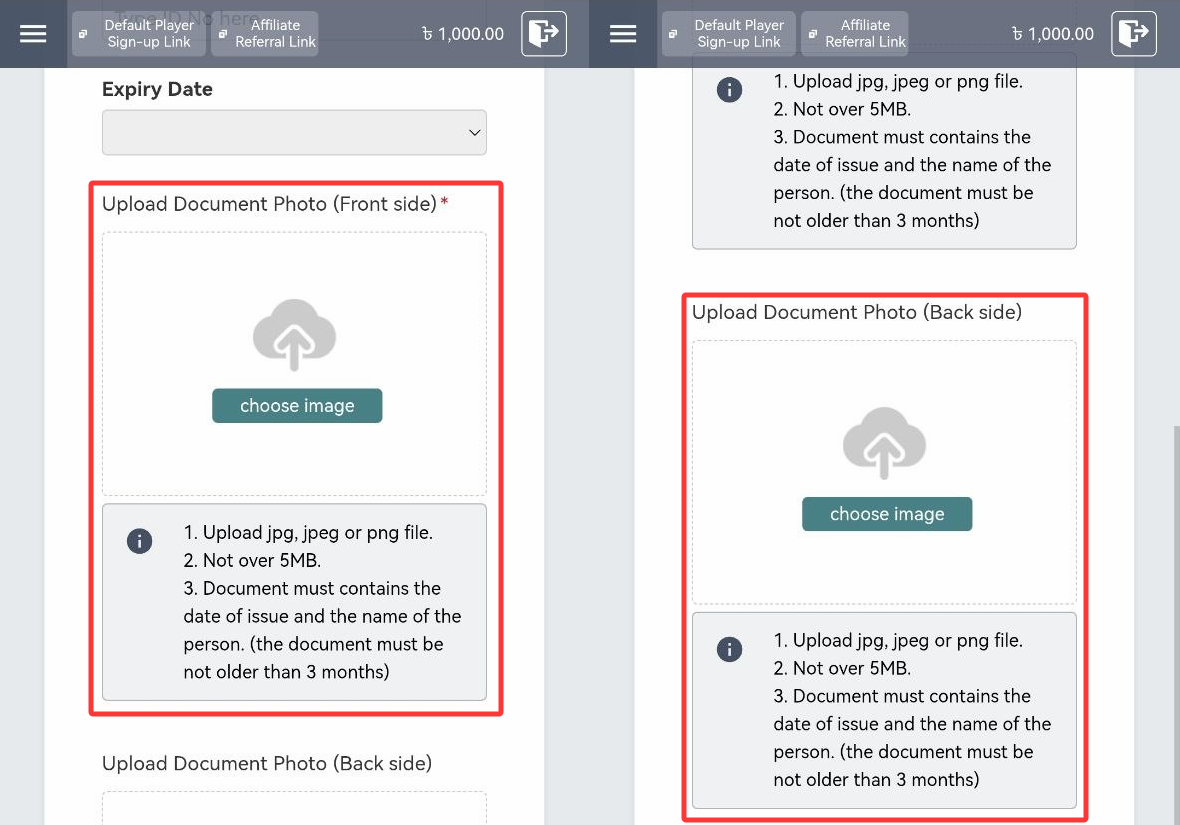
6. Upload a photo of the selected identification by pressing “Choose Image.”
Note:
• For national IDs, upload both front and back images in the designated fields.
• Documents must show issuance date and full name (not older than 3 months).
• Accepted formats: jpg, jpeg, png.
• Maximum file size: 5MB.
7. Upload a Handheld KYC Document Photo (Selfie) showing your face and ID clearly. Mismatched details will result in rejection.
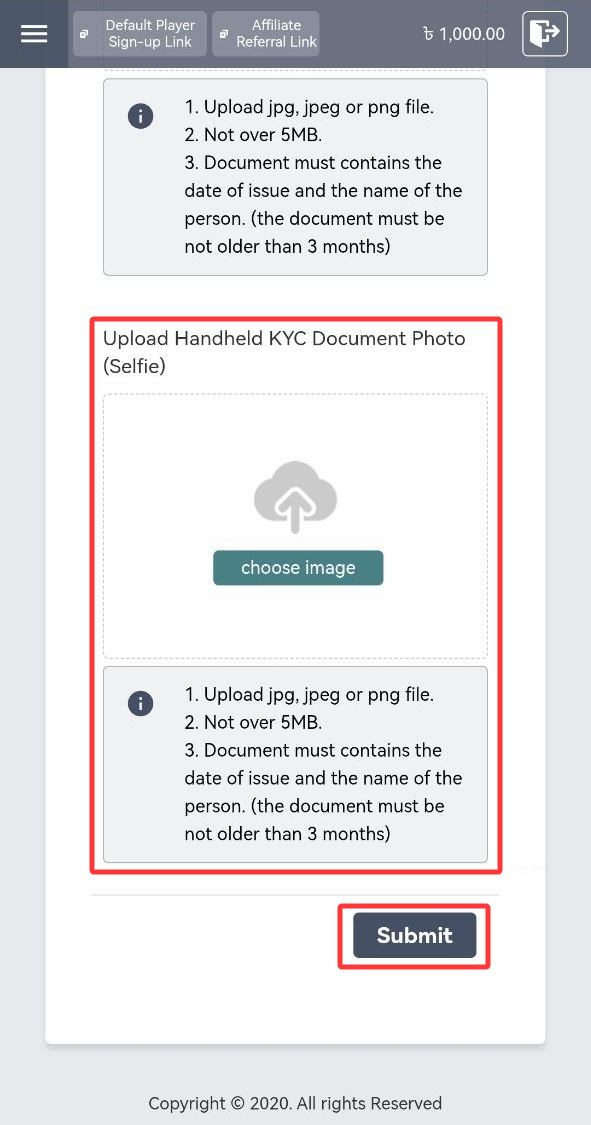
8. Submit your application. Cricket Affiliates team will review and send an email confirmation or notify you of any errors.
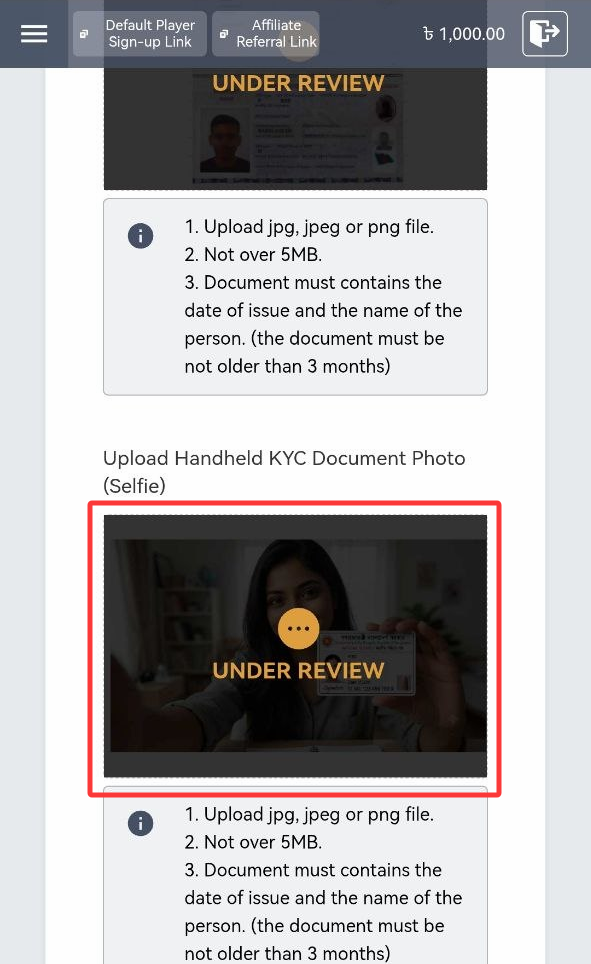
Here are the sample documents you can upload to verify your KYC.
1. Sample National Identity Card
Front Side
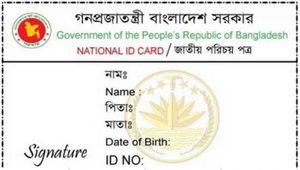
Back Side
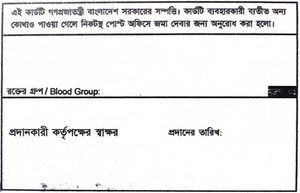
2. Passport
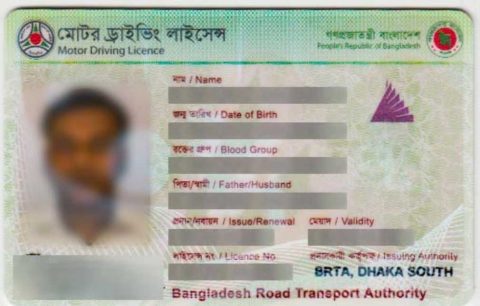
3. Driver’s License